


Choosing the Ideal Workstation for AEC Industry and Revit Software
Introduction
In the Architecture, Engineering, and Construction (AEC) industry, efficient and reliable hardware is crucial for seamless workflow and optimal performance, especially when working with resource-intensive software like Autodesk Revit. The right workstation can significantly impact productivity, allowing professionals to design, simulate, and collaborate effectively. This article will guide you through the key factors to consider when selecting a workstation for AEC tasks, with a focus on Revit software.
Performance Requirements
Autodesk Revit demands substantial computing power due to its 3D modeling capabilities and data-heavy nature. When choosing a workstation, prioritize components that directly influence performance:
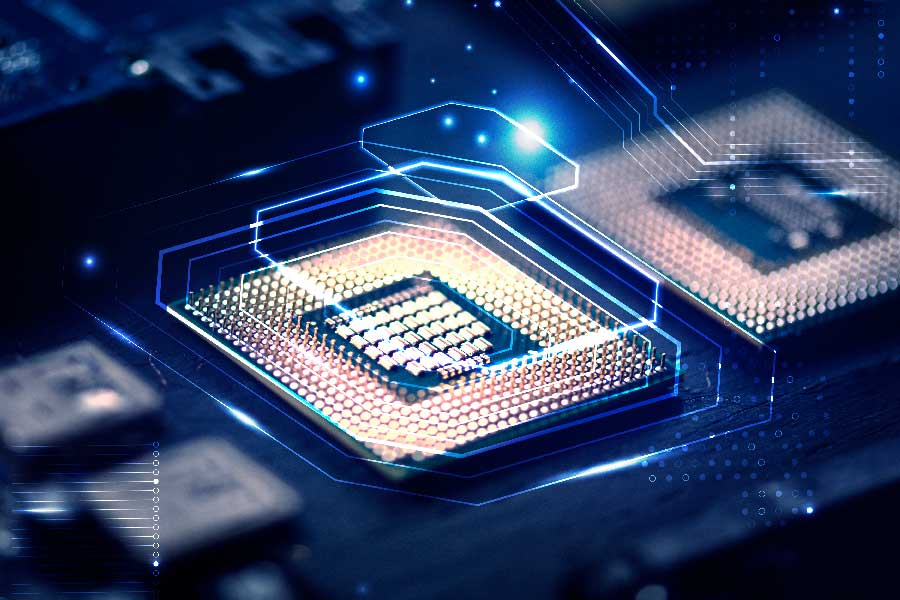
Processor (CPU): Opt for a high-performance multi-core processor, such as an Intel Core i7 or i9, or an AMD Ryzen 7 or 9. A higher clock speed and more cores will enhance the speed of tasks like rendering and simulation.
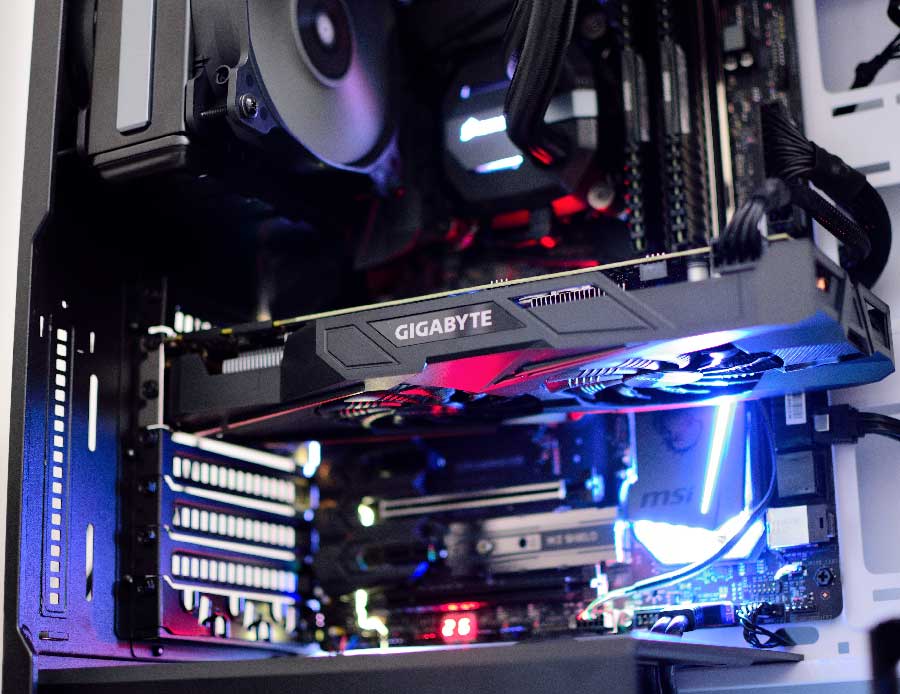
Graphics Card (GPU): Revit heavily relies on GPU acceleration for tasks like rendering and visualization. Invest in a professional-grade GPU, like, for optimal performance and stability.
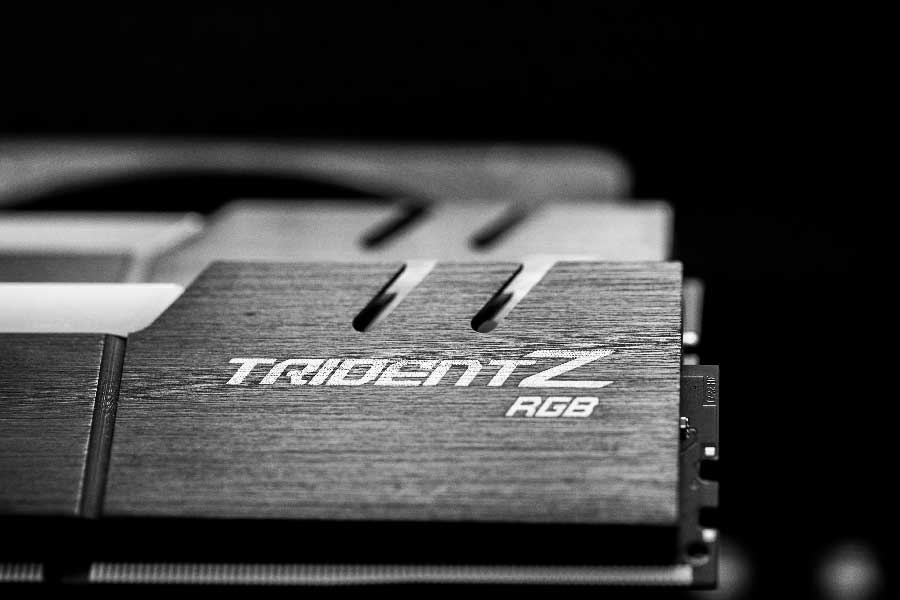
RAM: Revit can be memory-intensive, particularly when working with large projects. Aim for a minimum of 32GB RAM, but consider 64GB or more for larger and complex designs.
Storage: Choose a fast and spacious SSD (Solid State Drive) for the operating system and software, coupled with a larger HDD (Hard Disk Drive) for project storage and beckup. This setup ensures quick loading times and ample space for project files.
The most reliable method is the use of cloud platforms like BIM 360 Collaborate Pro.
BIM 360 Collaborate Pro is a cloud-based collaboration platform by Autodesk, designed for the Architecture, Engineering, and Construction (AEC) industry. It enables real-time collaboration on building projects by centralizing project data, facilitating document management, and providing tools for team communication, coordination, and model sharing. This platform enhances project efficiency and reduces errors by enabling stakeholders to work collaboratively on a centralized platform, fostering seamless communication and coordination throughout the project lifecycle.
Form Factor and Design
Consider the physical design and form factor of the workstation to ensure it aligns with the spatial constraints and workflow requirements of your AEC environment. Workstations come in various sizes, from desktop towers to compact form factors, and some even support dual processors for additional computing power.
Reliability and Certification
As AEC professionals heavily rely on software like Revit, it’s crucial to choose a workstation that is certified by Autodesk. Manufacturers often submit their systems for certification to ensure compatibility and stability with Autodesk applications. Choosing a certified workstation minimizes the risk of software glitches and ensures a smoother user experience.
Collaboration and Connectivity
AEC projects involve collaboration among multiple team members. Ensure your chosen workstation provides sufficient connectivity options for external devices, such as monitors, peripherals, and data storage. Additionally, consider a workstation with advanced networking capabilities to facilitate seamless collaboration among team members.
Conclusion
Selecting the right workstation for AEC tasks, especially when using Revit software, requires careful consideration of performance, reliability, form factor, and collaboration features. By investing in a workstation tailored to the specific demands of the AEC industry, professionals can enhance their efficiency, streamline workflows, and deliver high-quality designs within deadlines.


